
From an idea, to an MVP, to now a published extension on the Visual Studio Marketplace
I am proud to announce the availability of the Map Preview extension for Visual Studio Code
Just to recap for those who don't know, this extension allows you to view any plain-text based geospatial data file or content as vector features on an interactive map (powered by OpenLayers), allowing for quick and easy visualization of plain-text geographic content without firing up a dedicated GIS application to view it or pasting the content into a GitHub gist.
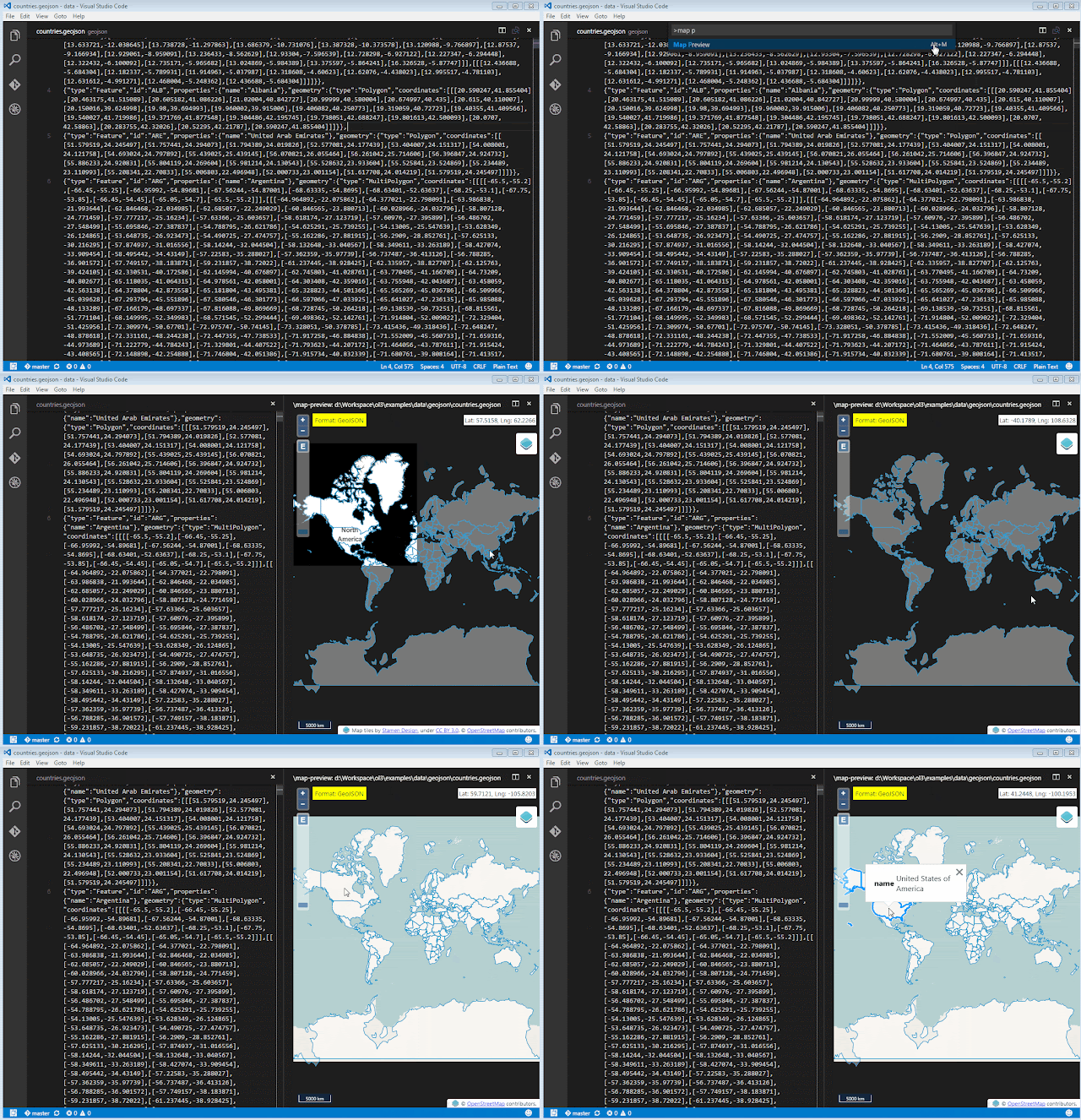
If your document content checks out as any of the above formats, it can be previewed on a map with this extension.
You can install this extension with the following command:
أكثر...
I am proud to announce the availability of the Map Preview extension for Visual Studio Code
Just to recap for those who don't know, this extension allows you to view any plain-text based geospatial data file or content as vector features on an interactive map (powered by OpenLayers), allowing for quick and easy visualization of plain-text geographic content without firing up a dedicated GIS application to view it or pasting the content into a GitHub gist.
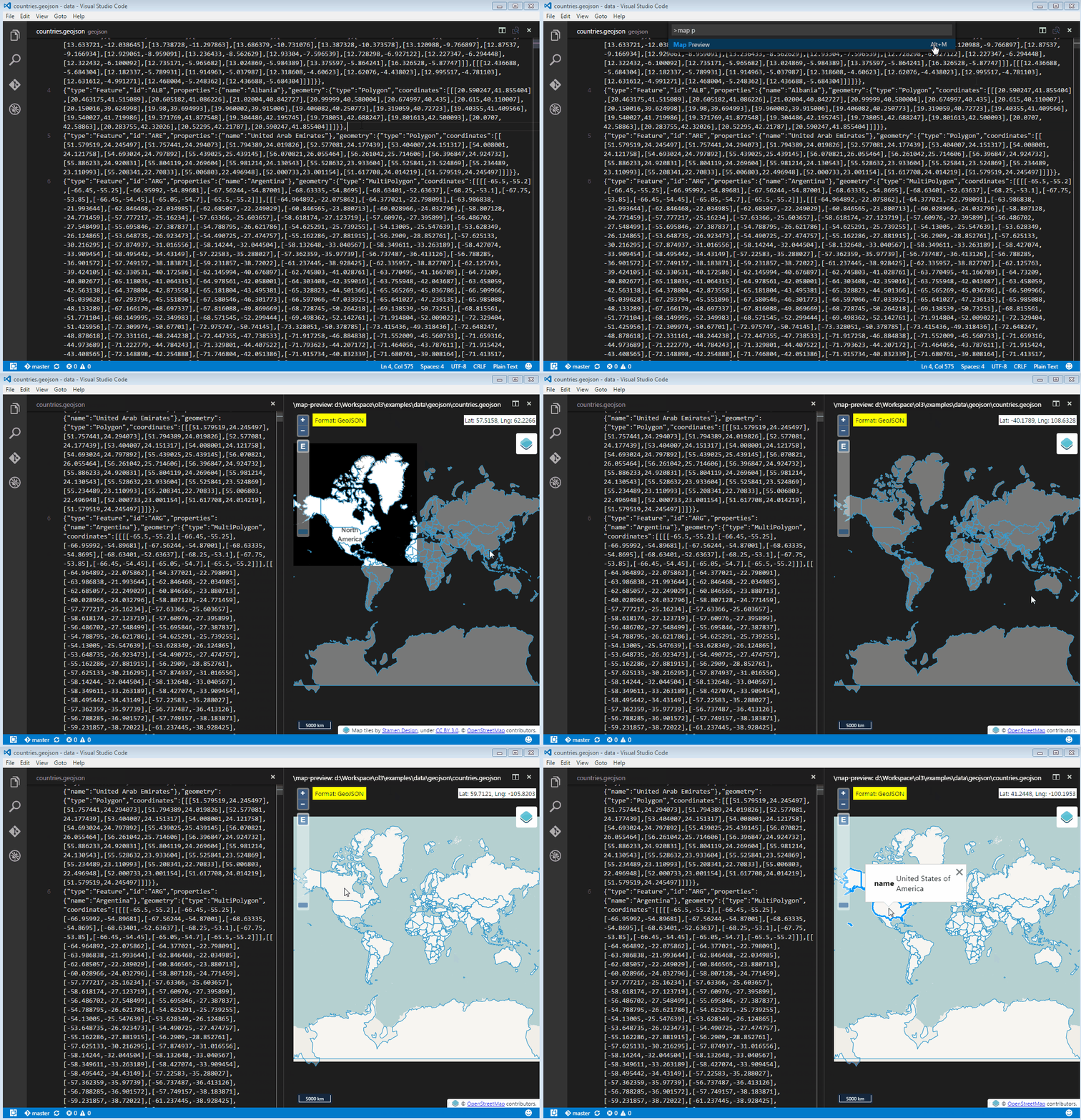
All rendered features are selectable on the map and any useful attribute information is displayed as a popup. The map also provides plenty of available base layers for giving your preview data a real-world contextual backdrop.
The initial release supports formats that are supported by OpenLayers, which is currently:
The initial release supports formats that are supported by OpenLayers, which is currently:
If your document content checks out as any of the above formats, it can be previewed on a map with this extension.
You can install this extension with the following command:
ext install vscode-map-preview
The source code for this extension is available on my GitHub repo.
Feel free to send feedback, pull requests, etc, etc.
Feel free to send feedback, pull requests, etc, etc.
أكثر...