
Earlier this year, the Esri Disaster Response Program team presented a live training seminar on our lessons learned from past events.* During this presentation, we covered the top ten information products that we often make when supporting our users.* Those top ten information products are as follows:
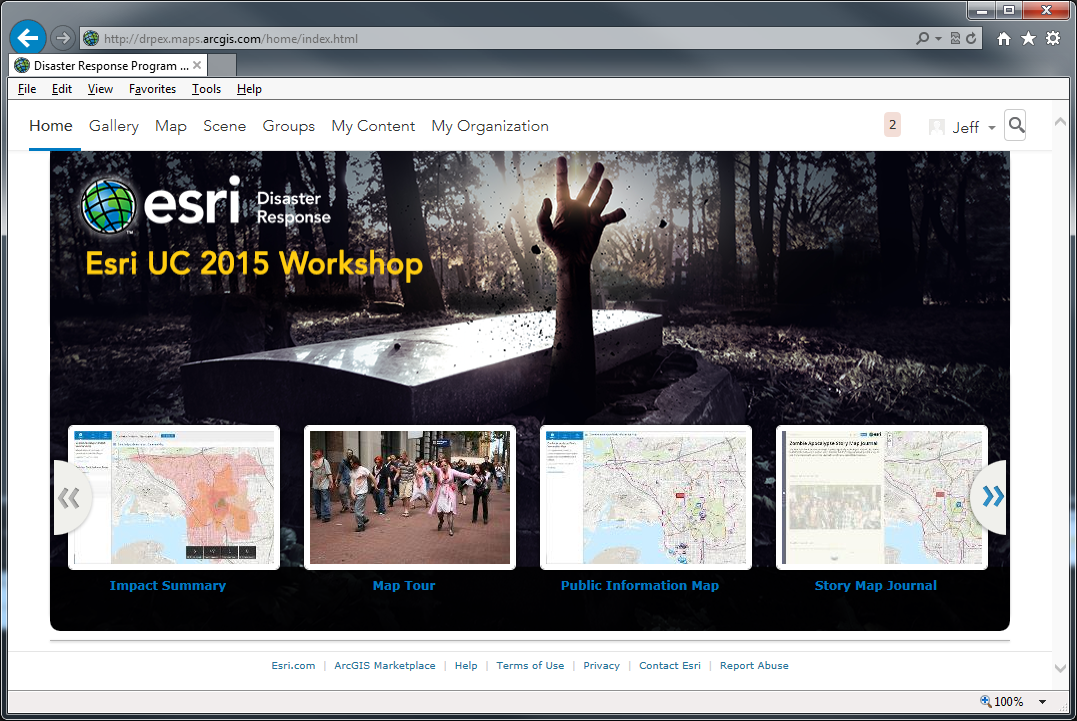
A Zombie Infestation scenario was chosen to keep the scenario light.* This also resulted in participants being more creative than they normally would under normal conditions or scenarios.* A perimeter of the infestation was created on a day to day basis.* This perimeter, or polygon, was picked and used just like the perimeter of other disasters – fire, flood, plume, etc.
A common ArcGIS Online for Organizations site was used for the exercise.* All participants had access.
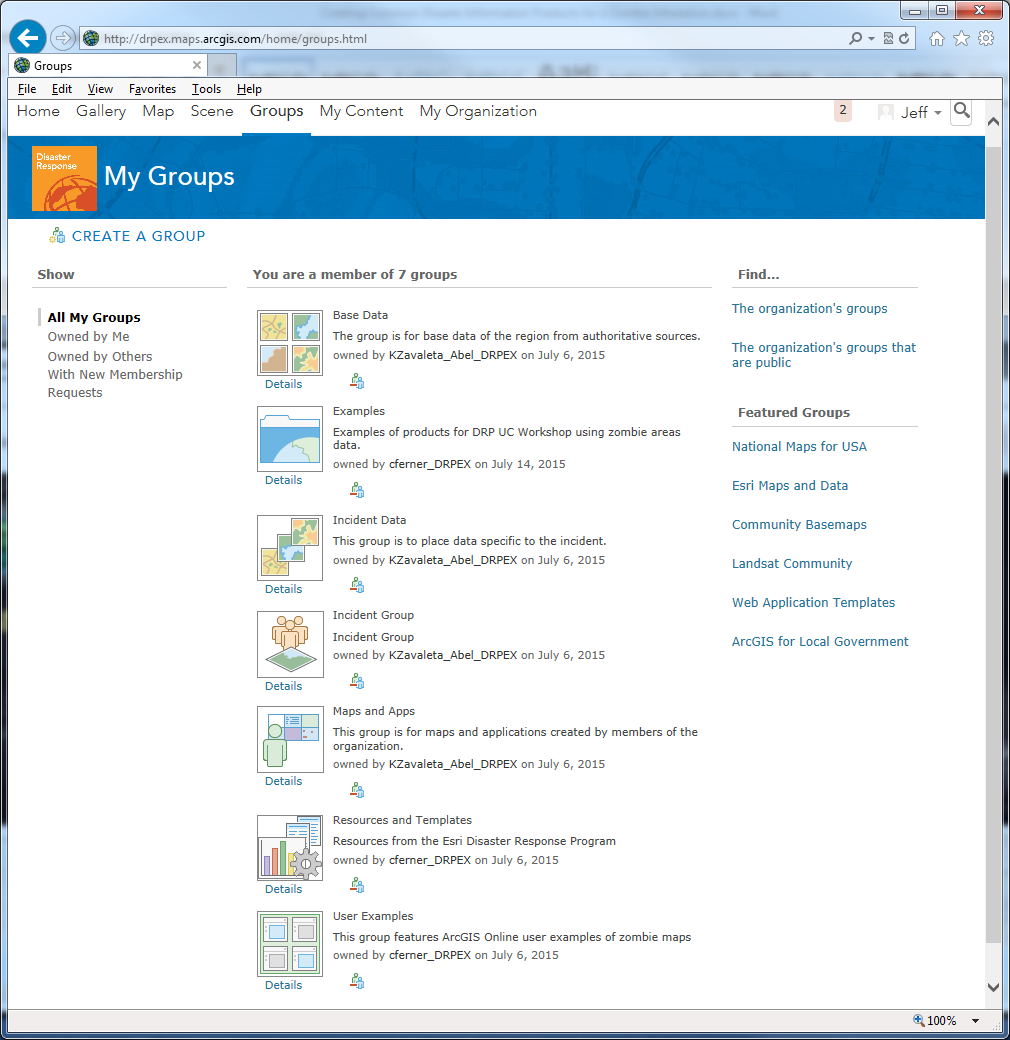
We kept things simple and only set up a couple of focused groups to start to share information.* These are the typical groups that we set up when we help folks get going with ArcGIS Online for Disaster Response.
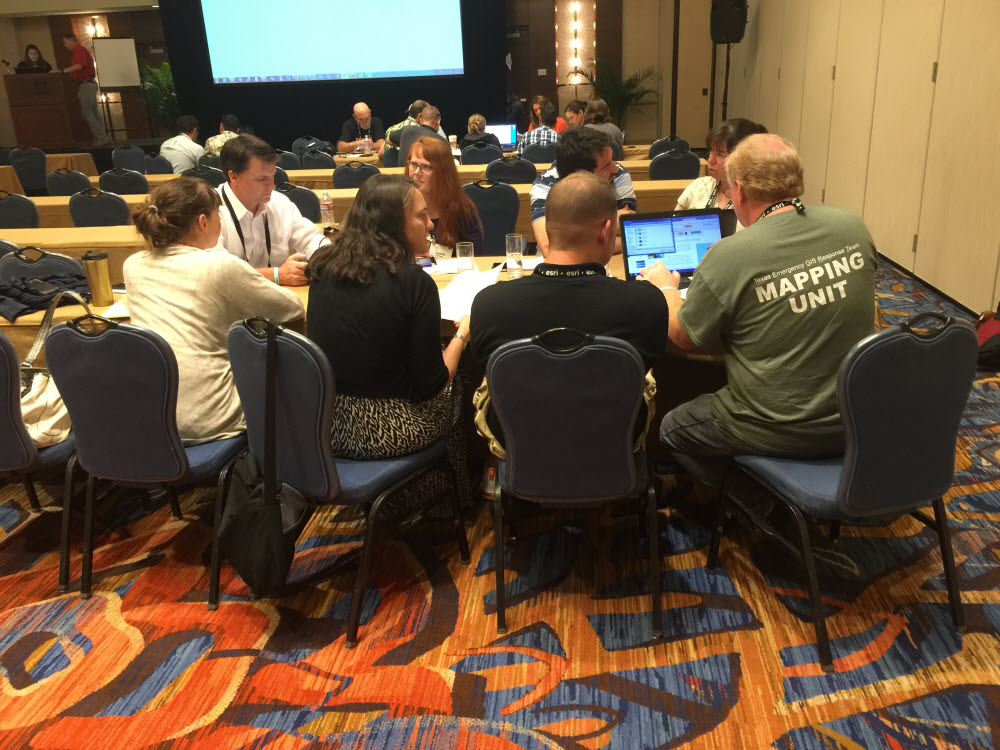
Participants split up into teams to create some of the common information products.* They used the User Guides that are available from the Disaster Response Program in the Resources and Templates group.
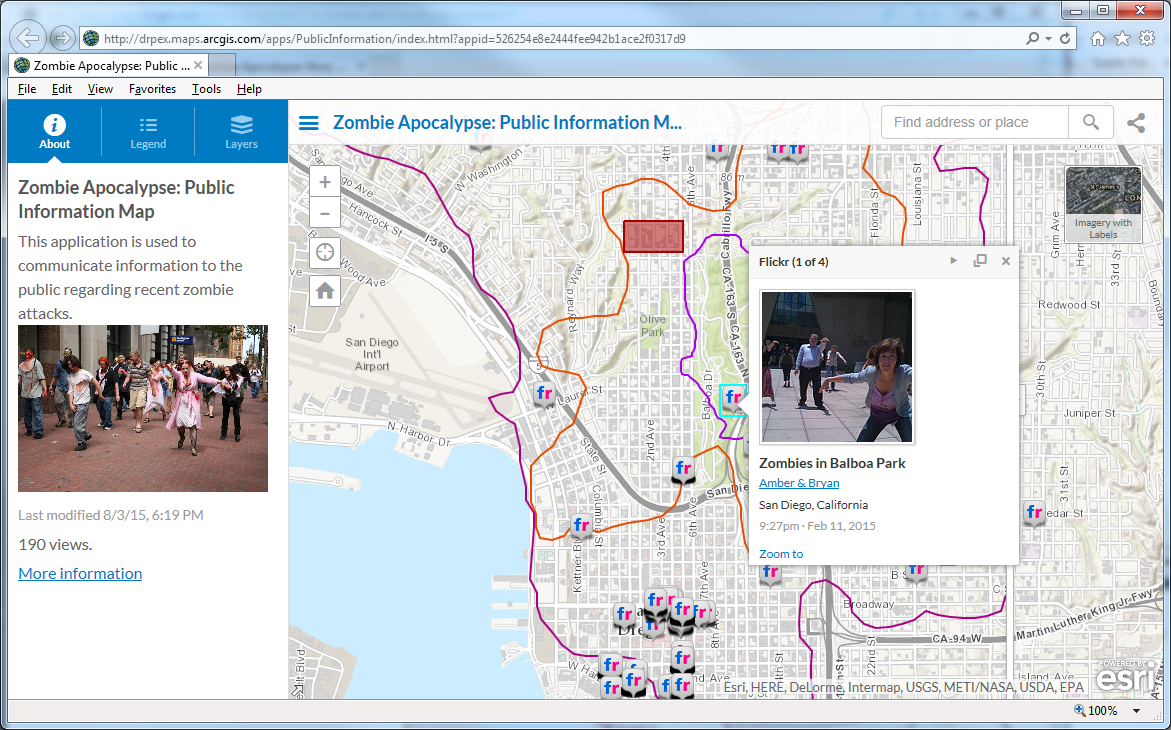
Public Information Map:*http://www.arcgis.com/apps/PublicInformation/index.html?appid=526254e8e2444fee942b1ace2f0317d9
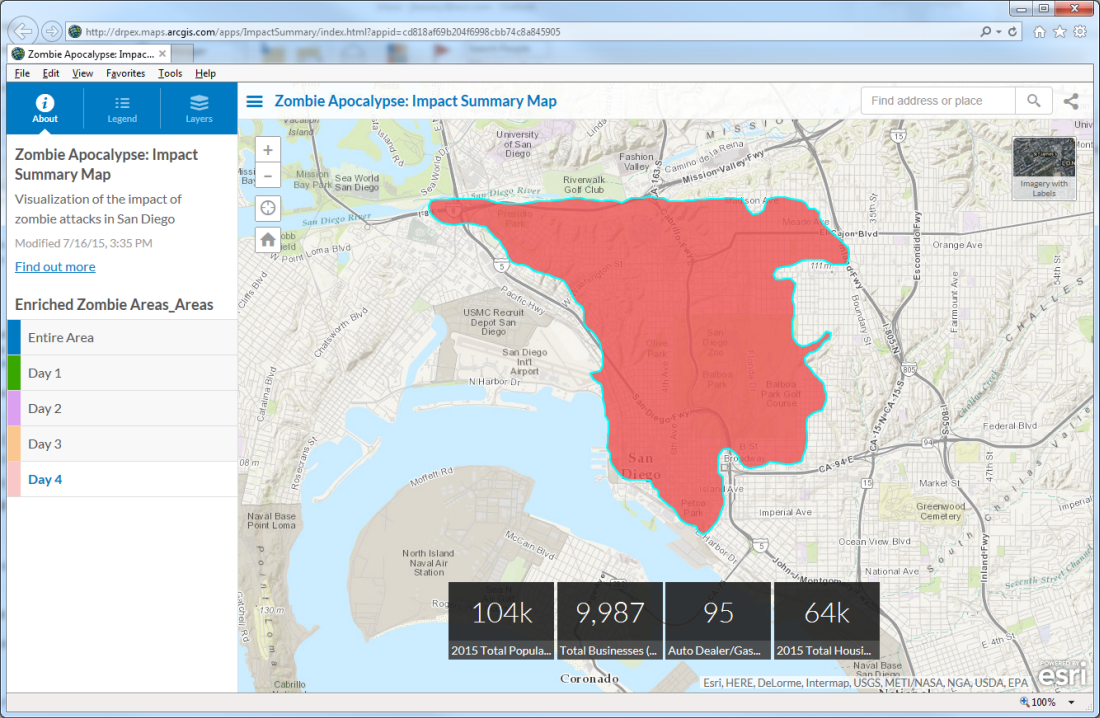
Impact Summary Map:*http://www.arcgis.com/apps/ImpactSummary/index.html?appid=cd818af69b204f6998cbb74c8a845905
Story Map Tour: http://www.arcgis.com/apps/MapTour/index.html?appid=2f8a0820ca4c4a4ea470e356f05c13f7#

The participants then presented their work back to the group.* In a about an hour, participants had put together 4 information products using the resource provided.
We also gave a similar workshop at the NAPSG National Geospatial Preparedness Summit (NGPS) with a Zombie Infestation in DC and had similar results.
There was great interest in these materials so we wanted to share them with you.
- Public Information Map
- Impact Summary Map
- Story Map Tour
- Pre and Post Event Imagery displayed in a Swipe Map
- Mobile Data Collection
- Planning Maps
- Situational Awareness
- Information Sharing
- Briefing Presentation
- Story Map Journal
A Zombie Infestation scenario was chosen to keep the scenario light.* This also resulted in participants being more creative than they normally would under normal conditions or scenarios.* A perimeter of the infestation was created on a day to day basis.* This perimeter, or polygon, was picked and used just like the perimeter of other disasters – fire, flood, plume, etc.
A common ArcGIS Online for Organizations site was used for the exercise.* All participants had access.
We kept things simple and only set up a couple of focused groups to start to share information.* These are the typical groups that we set up when we help folks get going with ArcGIS Online for Disaster Response.
Participants split up into teams to create some of the common information products.* They used the User Guides that are available from the Disaster Response Program in the Resources and Templates group.
Public Information Map:*http://www.arcgis.com/apps/PublicInformation/index.html?appid=526254e8e2444fee942b1ace2f0317d9
Impact Summary Map:*http://www.arcgis.com/apps/ImpactSummary/index.html?appid=cd818af69b204f6998cbb74c8a845905
Story Map Tour: http://www.arcgis.com/apps/MapTour/index.html?appid=2f8a0820ca4c4a4ea470e356f05c13f7#
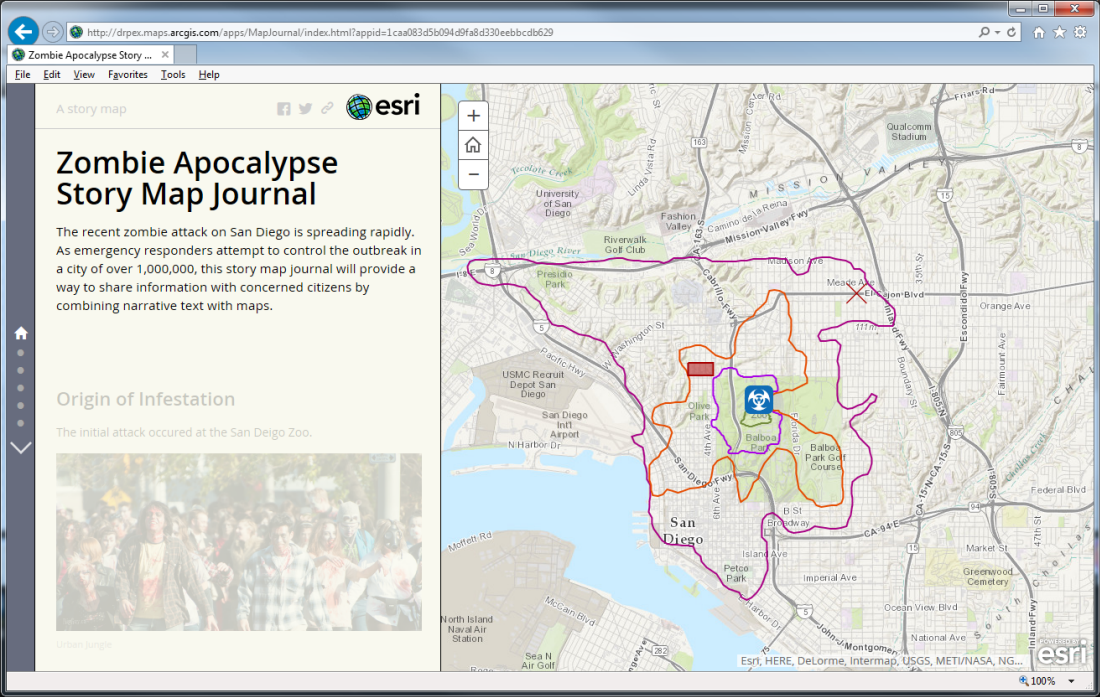
Story Map Journal:*http://www.arcgis.com/apps/MapJournal/index.html?appid=1caa083d5b094d9fa8d330eebbcdb629
The participants then presented their work back to the group.* In a about an hour, participants had put together 4 information products using the resource provided.
We also gave a similar workshop at the NAPSG National Geospatial Preparedness Summit (NGPS) with a Zombie Infestation in DC and had similar results.
There was great interest in these materials so we wanted to share them with you.